

Understanding Bitrate, Bit Depth, Resolution, and Compression in Audio
When people talk about high-resolution audio, terms like bitrate, bit depth, resolution, and compression get tossed around a lot—often interchangeably. But these concepts describe very different parts of how digital sound works. Understanding what each one actually means helps cut through the marketing noise and focus on what truly affects listening quality.
Bitrate: How Much Data Per Second
Bitrate is the amount of digital information transmitted or stored per second of audio. It’s measured in kilobits per second (kbps). Higher bitrates usually mean better sound quality—up to a point—because more data is being used to represent the audio signal.
- Low-bitrate (128 kbps MP3): Compact, but throws away a lot of detail through compression.
- Mid-bitrate (256–320 kbps AAC or MP3): Near-CD quality for most listeners.
- High-bitrate / lossless (1,411 kbps CD or 4,600+ kbps hi-res FLAC): Virtually no audible data loss.
With Bluetooth headphones, bitrate depends on the codec used, and this directly affects how much of the original signal can be preserved in transit. For example, LDAC supports bitrates up to 990 kbps—significantly higher than standard Bluetooth codecs—which allows far more musical information to survive compression.
However, it’s important to separate bitrate from resolution. An uncompressed 24-bit / 96 kHz stereo signal requires roughly 4,600 kbps, far more than any current Bluetooth link can sustain. LDAC does not transmit 24/96 audio in a bit‑perfect way. Instead, it applies intelligent, psychoacoustic compression to fit that data into a 990 kbps pipe.
In practice, this means LDAC can preserve much of the dynamic nuance, transient detail, and frequency balance of high‑resolution sources—even though the data is technically compressed. While it does not equal a wired, lossless connection, it operates well within transparent territory for most listening and dramatically outperforms older Bluetooth standards.
The key takeaway: LDAC isn’t about moving every bit intact—it’s about retaining enough meaningful information that the character of high‑resolution audio survives the wireless jump.
Bit Depth: How Precisely Amplitude Is Captured
If bitrate is how much data you send, bit depth is how accurately you record it. Bit depth defines how many possible volume levels each audio sample can represent.
- 16-bit (CD) allows 65,536 levels of amplitude—enough for a dynamic range of about 96 dB.
- 24-bit (hi-res audio) allows 16.7 million levels—translating to a dynamic range of 144 dB.
The extra resolution of 24-bit isn’t about making music “louder”; it’s about allowing finer gradations in quiet details and reducing quantization noise during mixing, mastering, and playback.
Resolution: The Digital “Sharpness” of Sound
In video, resolution refers to pixel count. In audio, it combines bit depth and sample rate (how many times per second the sound is captured). A standard CD uses 16-bit / 44.1 kHz, while hi-res files might use 24-bit / 96 kHz or higher.
In theory, more samples per second and greater bit depth yield more accurate sound. In practice, once you reach around 24-bit / 96 kHz, improvements are mostly academic. What matters more is the quality of the DAC and amplification—how that data is turned back into analog sound.
Compression: Lossless vs. Lossy
Compression reduces file size. The question is how.
- Lossy formats (MP3, AAC) permanently discard frequencies considered inaudible to human ears.
- Lossless formats (FLAC, ALAC) reduce size without removing data. When decompressed, you get a perfect bit-for-bit replica of the original recording.
Lossy compression can sound excellent when done well, but the more you compress, the more artifacts creep in—especially on revealing headphones or high-end systems.
What Actually Matters When You Listen
The hierarchy of importance looks something like this:
- The recording and mastering quality – Garbage in, garbage out.
- The DAC and amplification chain – How digital becomes analog.
- The transducers (your headphones or speakers) – How analog becomes sound.
- Then, and only then, the file format and bitrate.
Even the best 24-bit/192 kHz file will sound poor through bad amplification. Conversely, a well-mastered CD or high-bitrate AAC can sound spectacular through a high-quality signal path.
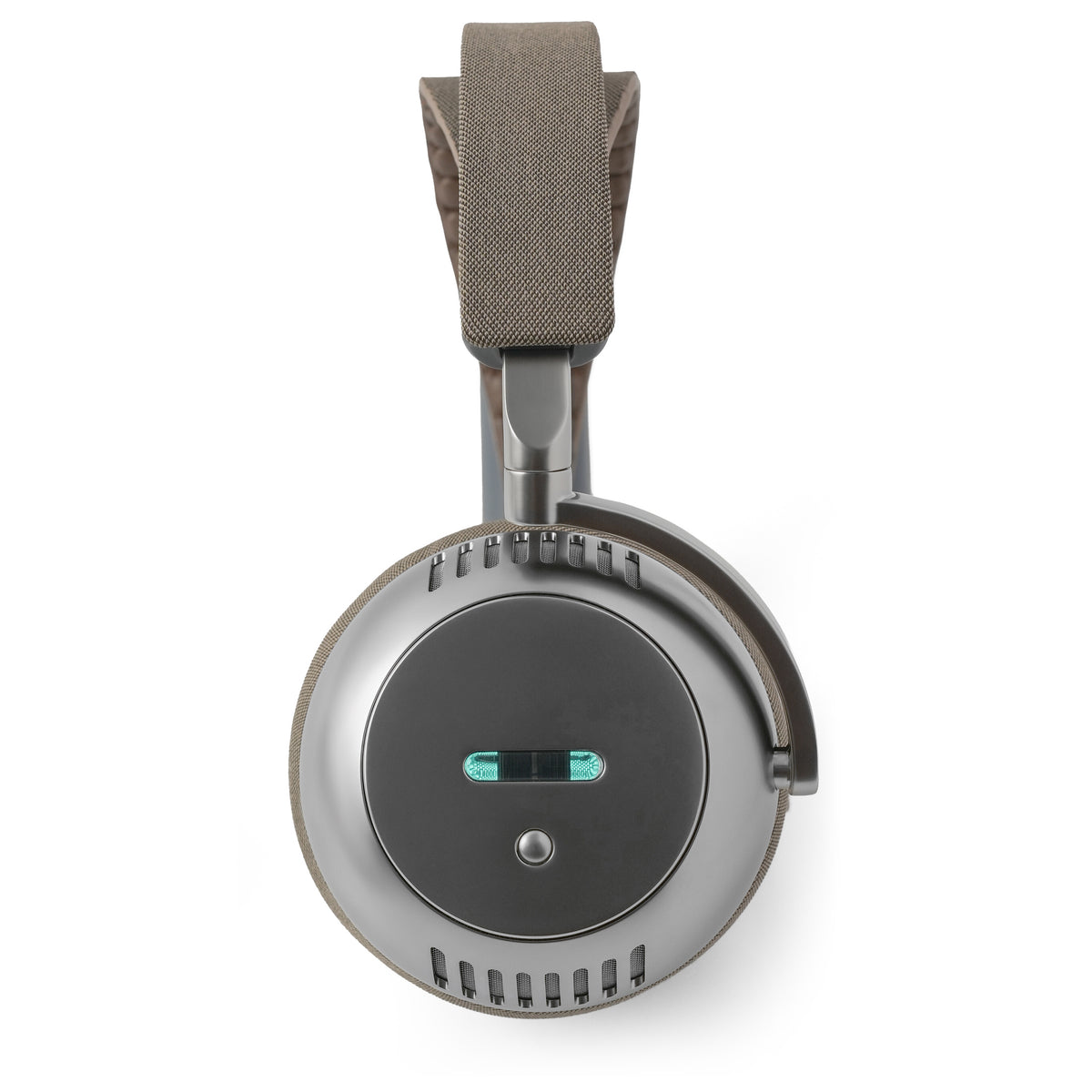
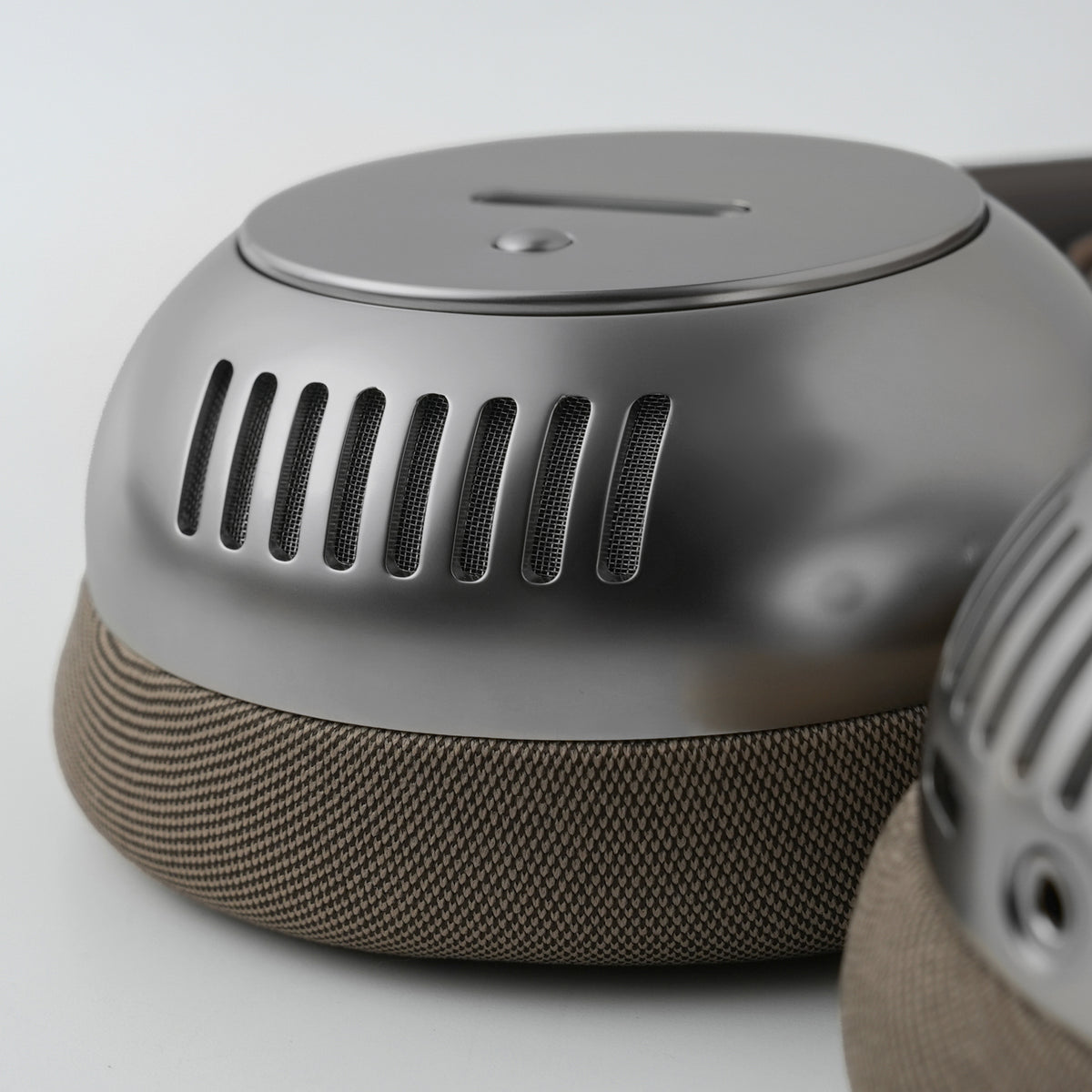
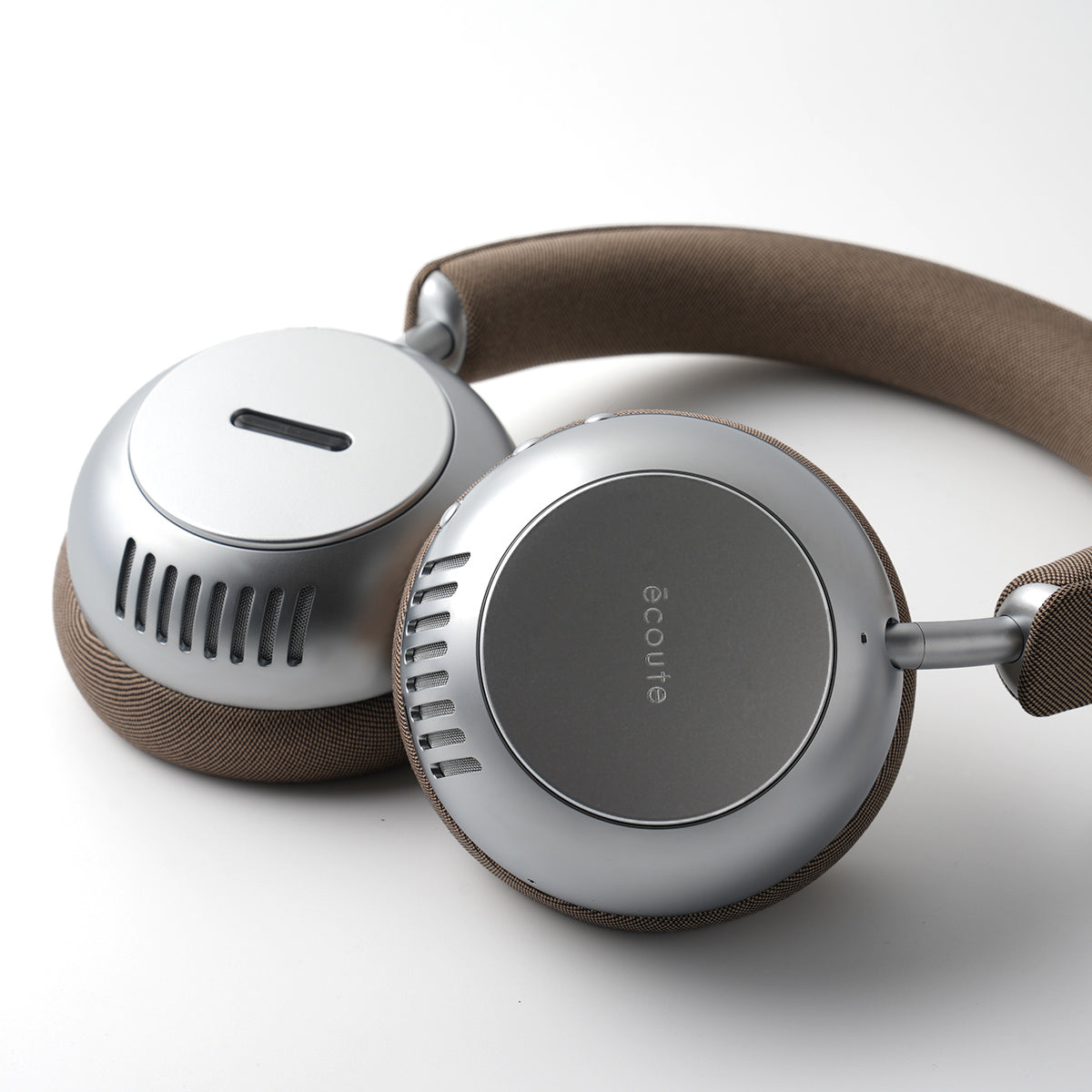
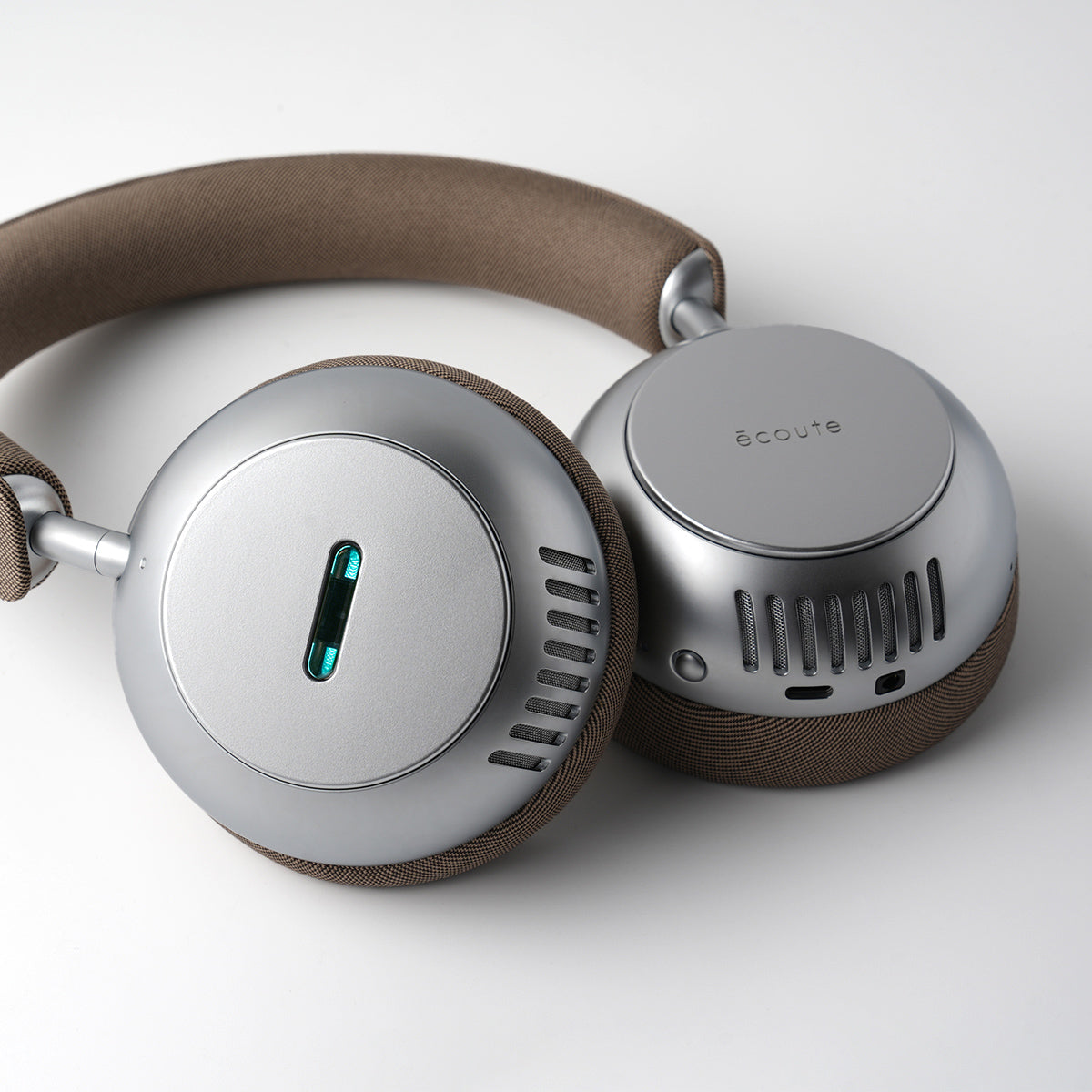
This is where écoute’s architecture makes a difference: the high-resolution feed—whether from USB, analog, or LDAC—passes through a vacuum-tube preamp and dual-mono analog stage, preserving harmonic integrity and channel separation. The result isn’t just more data—it’s more musicality.
The Takeaway
Don’t get lost in numbers. Bitrate, bit depth, and resolution all describe potential quality—but not actual quality. What you hear depends on the source, the playback chain, and how everything interacts from DAC to driver.
True fidelity isn’t about chasing specs—it’s about preserving intention and transforming it into a listening experience that feels like a performance.

Leave a comment
This site is protected by hCaptcha and the hCaptcha Privacy Policy and Terms of Service apply.