

Wi-Fi Interference and Your écoute Headphones
Sometimes listeners notice a faint buzzing, clicking, or static when sitting close to a Wi-Fi router with their écoute headphones—most often in the right ear. The good news: nothing is broken. What you’re hearing is RF (radio frequency) interference—a natural byproduct of how wireless signals interact with sensitive analog circuits like vacuum tubes.
Why It Happens
Wi-Fi routers transmit at 2.4 GHz and 5 GHz. These signals don’t harm headphones, but certain analog components can act like antennas. Vacuum tubes, CRT displays, guitar amps, some microphones, and even studio monitors can all register bursts of Wi-Fi energy as audible noise. Even microwaves can both cause and experience this type of disturbance.
Recording engineers know this well: many studios turn off Wi-Fi entirely during tracking sessions and ask everyone to power down phones. It’s not because the gear is fragile—it’s because sensitive circuits can “hear” stray RF just as easily as they hear music.
Why Tubes React
Vacuum tubes are prized for their sonic character, but by design they’re highly sensitive voltage amplifiers. That sensitivity is what makes them musical—and what also lets Wi-Fi sneak in as noise if the router is too close or pointed directly at the tube.
How to Minimize Interference
- Add distance. Keep at least 5–6 feet between your router and headset.
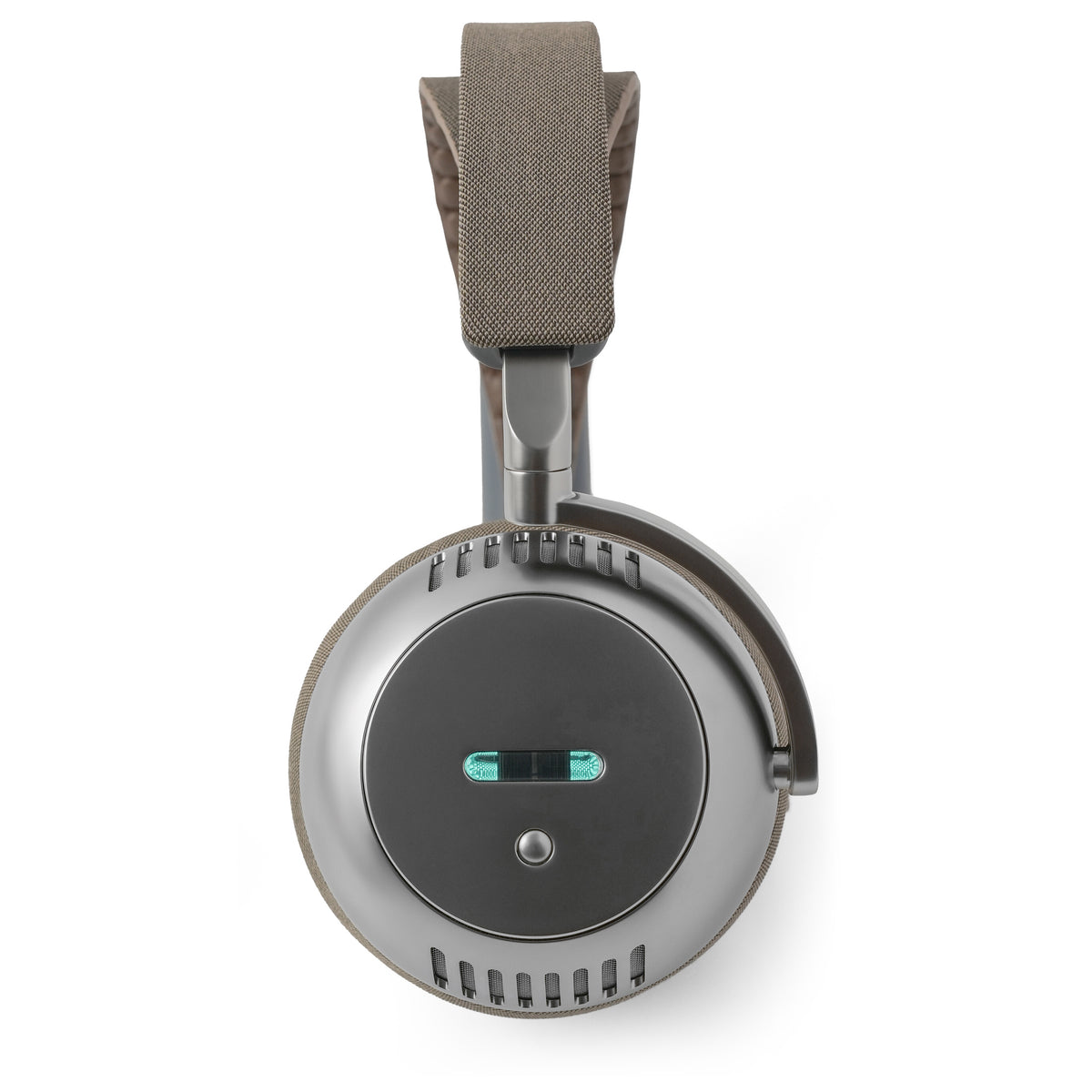
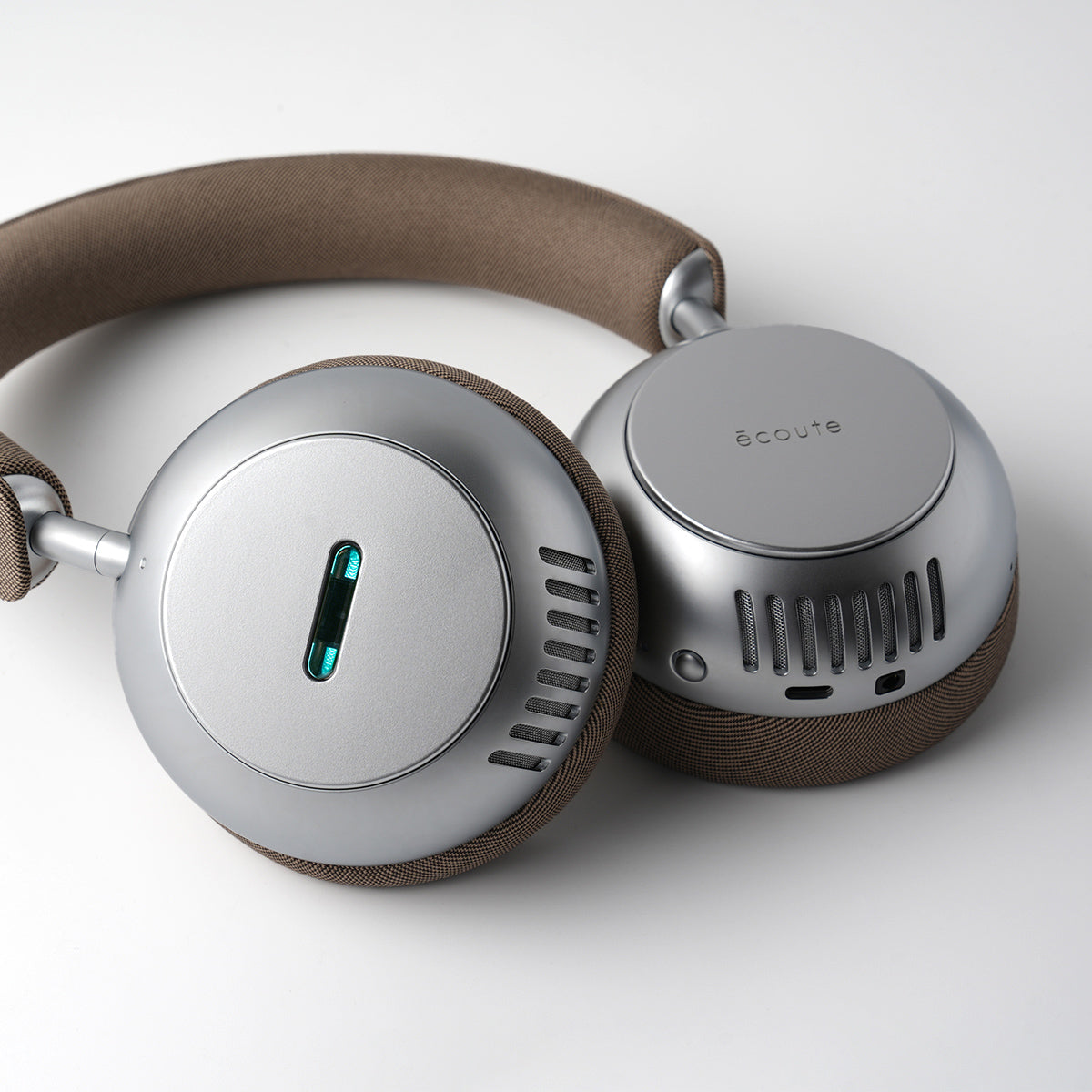
- Change orientation. If moving the router isn’t an option, reverse the headset, placing your head between the router and the vacuum tube—your head itself can block interference.
- Locate the interference source. Without music playing, move closer to the router and slowly rotate your head. The clicking will get louder as you approach, especially when the tube points directly at the signal source. It’s also possible another appliance is emitting RF strong enough to be picked up by the headset. Use the same “rotate and move” technique around the room to pinpoint interference sources.
The Bottom Line
This is not a flaw of écoute. It’s simply how analog gear interacts with modern wireless technology. Your router does not damage the headphones—this is temporary interference, not harm. Musicians, hi-fi enthusiasts, and audio pros have managed it for decades—from guitar amps buzzing near dimmer switches to microphones picking up taxi radios. The solution is simple: add a little space, let the Wi-Fi settle down, and enjoy the music as it was meant to be heard.

Leave a comment
This site is protected by hCaptcha and the hCaptcha Privacy Policy and Terms of Service apply.